Alerts
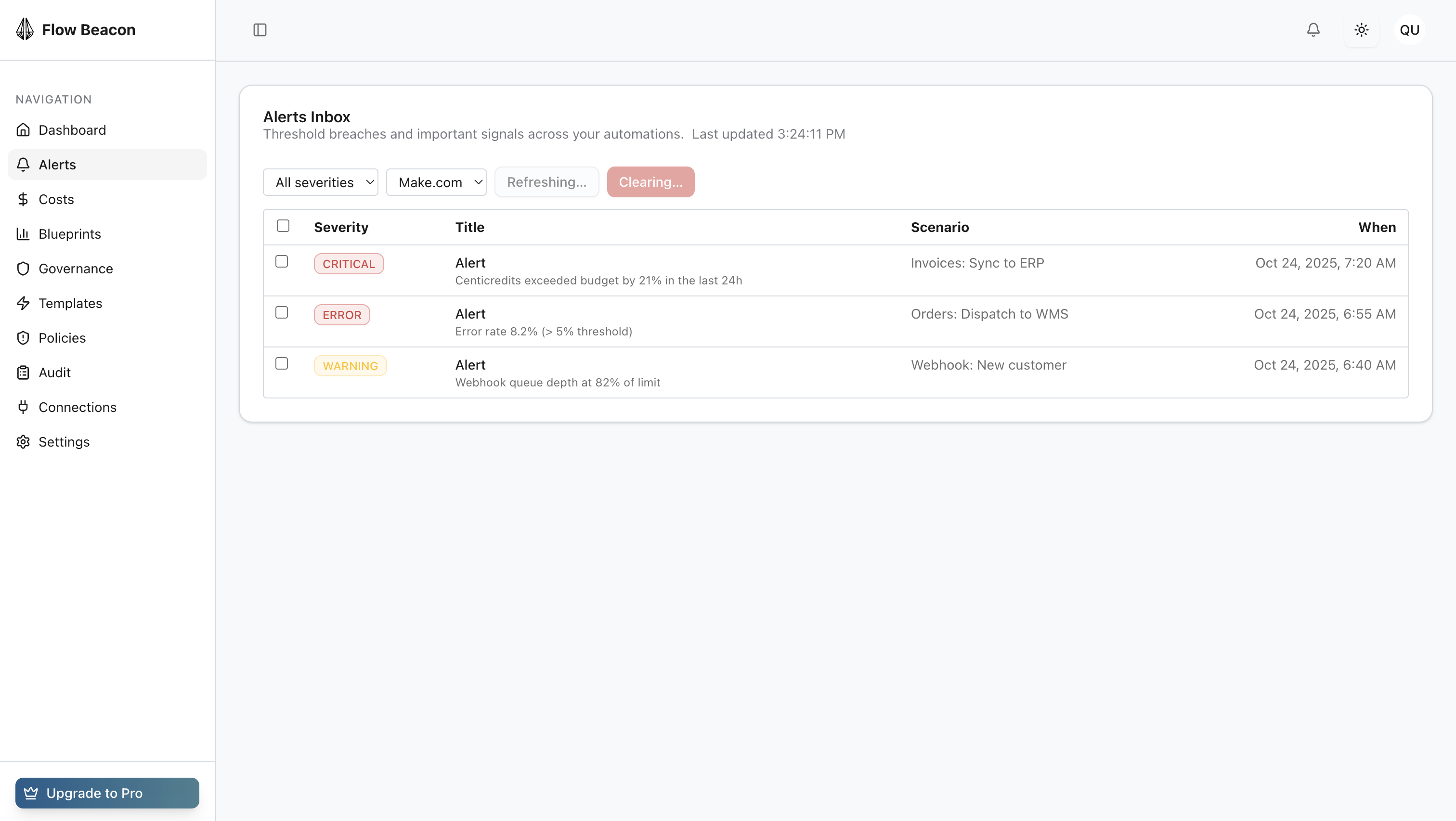
Use Alerts to review incident‑level notifications from connected platforms and clear resolved items.
Overview
- Severity levels help prioritize (critical, warning, info).
- Filters allow narrowing by platform and scenario.
- Manual refresh fetches the latest events.
View and Filter Alerts
- Go to
Alertsfrom the sidebar. - Use
SeverityandPlatformfilters to focus your list. - Click an item to see context and details.
Clear Alerts
- Select one or more items.
- Click
Clearto remove them from the current view. - Refresh to confirm the list updates.
Troubleshooting
- No alerts visible: confirm your connection is active and there has been recent activity.
- Filters hide items: reset filters to show all severities and platforms.
Related
- Validate & Fix
- Costs